Enhance URL State Management in Next.js 14 Using Nuqs 🚀

Managing URL state in Next.js 14 can be a bit tricky, especially when you're using the built-in useSearchParams hook. While it gets the job done for reading search parameters, it can make your code messy and bug-prone. But don't worry, there's a cool library called Nuqs that makes URL state management way easier and cleaner! 🎉
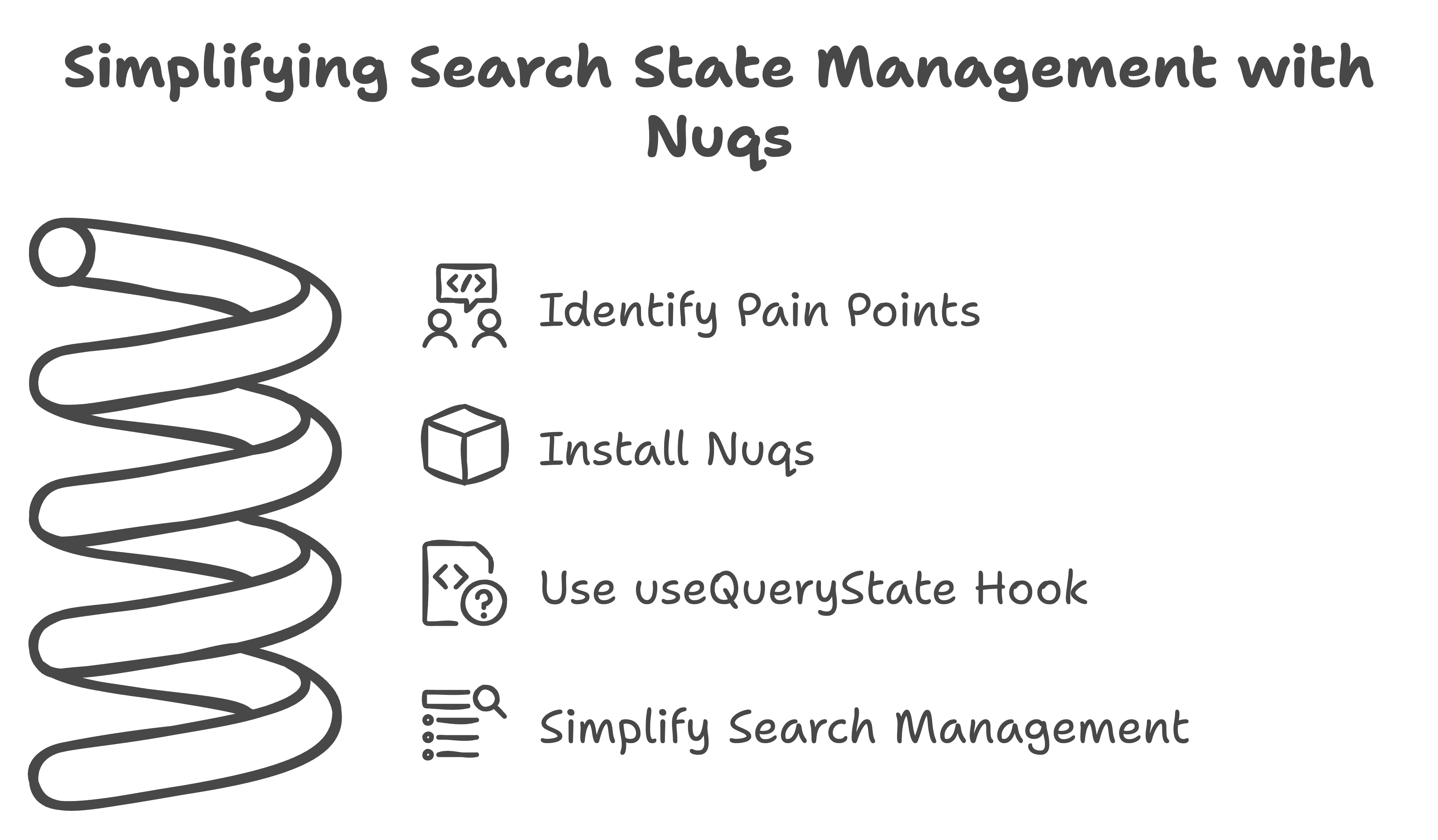
The Struggle with Built-in Search Params
Using useSearchParams means you have to handle URL states manually, which can get pretty messy. Here's what it usually looks like:
// app/page.js
import { useEffect, useState } from "react";
import { useSearchParams } from "next/navigation";

const SearchPage = () => {
  const searchParams = useSearchParams();
  const [query, setQuery] = useState("");

  useEffect(() => {
    const searchQuery = searchParams.get("search") || "";
    setQuery(searchQuery);
  }, [searchParams]);

  const handleSearch = (e) => {
    e.preventDefault();
    const newSearchParams = new URLSearchParams(searchParams.toString());
    newSearchParams.set("search", query);
    window.history.pushState(null, "", `?${newSearchParams.toString()}`);
  };

  return (
    <div>
      <h1>Product Search</h1>
      <form onSubmit={handleSearch}>
        <input
          type="text"
          value={query}
          onChange={(e) => setQuery(e.target.value)}
          placeholder="Search..."
        />
        <button type="submit">Search</button>
      </form>
    </div>
  );
};

export default SearchPage;
Why This is a Pain 😩
Boilerplate Code: All that manual parsing and updating is just too much work.
State Management: Keeping the input field and URL in sync can get confusing.
Error-Prone: Messing with the URL directly can lead to bugs.
Meet Nuqs: Your New Best Friend
Nuqs makes everything so much simpler. Here's how you can refactor the code using Nuqs:
Step 1: Install Nuqs
First, get Nuqs into your Next.js project:
npm install nuqs
Step 2: Use Nuqs for Search State Management
Now, let's make that search feature way cleaner:
// app/page.js
import { useQueryState } from "nuqs";

const SearchPage = () => {
  const [query, setQuery] = useQueryState("search"); // Automatically manages URL state

  const handleSearch = (e) => {
    e.preventDefault();
    // No need to manually update the URL; it's handled by useQueryState
  };

  return (
    <div>
      <h1>Product Search</h1>
      <form onSubmit={handleSearch}>
        <input
          type="text"
          value={query}
          onChange={(e) => setQuery(e.target.value)} // Automatically updates the URL
          placeholder="Search..."
        />
        <button type="submit">Search</button>
      </form>
    </div>
  );
};

export default SearchPage;
Why Nuqs is Awesome 😎
Automatic URL Syncing:
useQueryStatetakes care of the URL updates for you.Cleaner Code: Focus on building your app without worrying about URL state. Your code is shorter and easier to read.
Built-in Reactivity: The input field and URL stay in sync automatically.
Type-safe: Ensures end-to-end type safety between Server and Client components.
Universal: Supports both the app router and pages router.
Simple API: Provides a React.useState-like API that syncs with the URL.
Built-in Parsers: Includes parsers for common state types.
History Controls: Allows replacing or appending to navigation history and using the Back button for state updates.
Client-first: Offers shallow updates by default, with an option to notify the server to re-render React Server Components.
Server Cache: Provides type-safe search params access in nested React Server Components.
Transition Support: Supports useTransition for loading states on server updates.
Wrap Up
If you want to make your URL state management in Next.js 14 a breeze, give Nuqs a try. It cuts down on boilerplate code and makes your code more maintainable. Check out the Nuqs documentation to see how it can change the way you handle URL states. Happy coding! 💻✨